
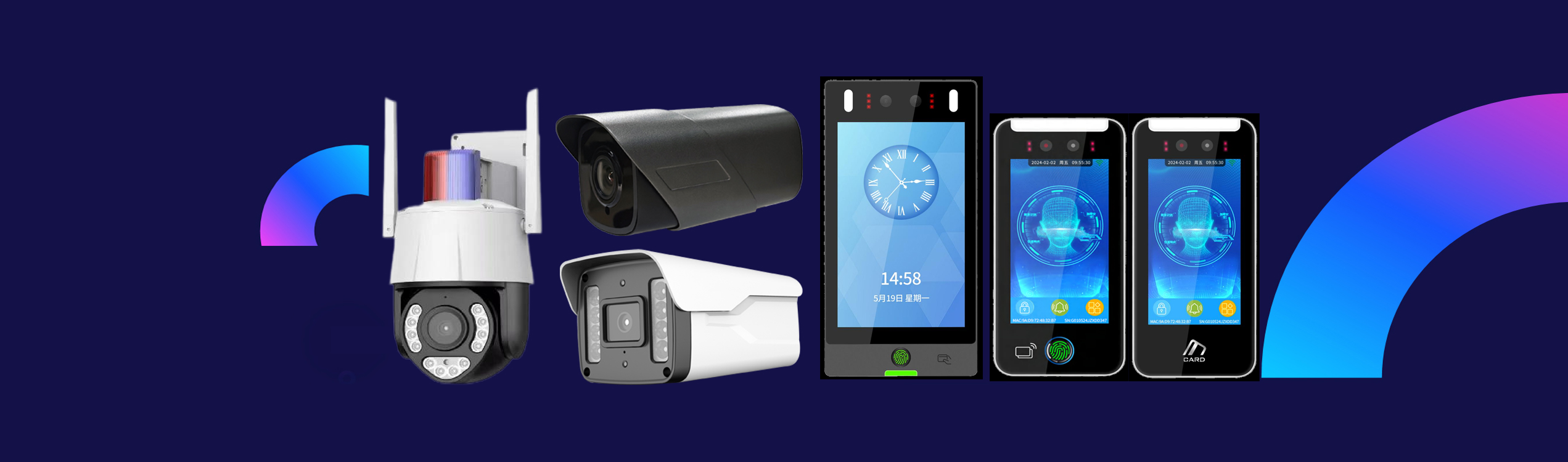
Products Description
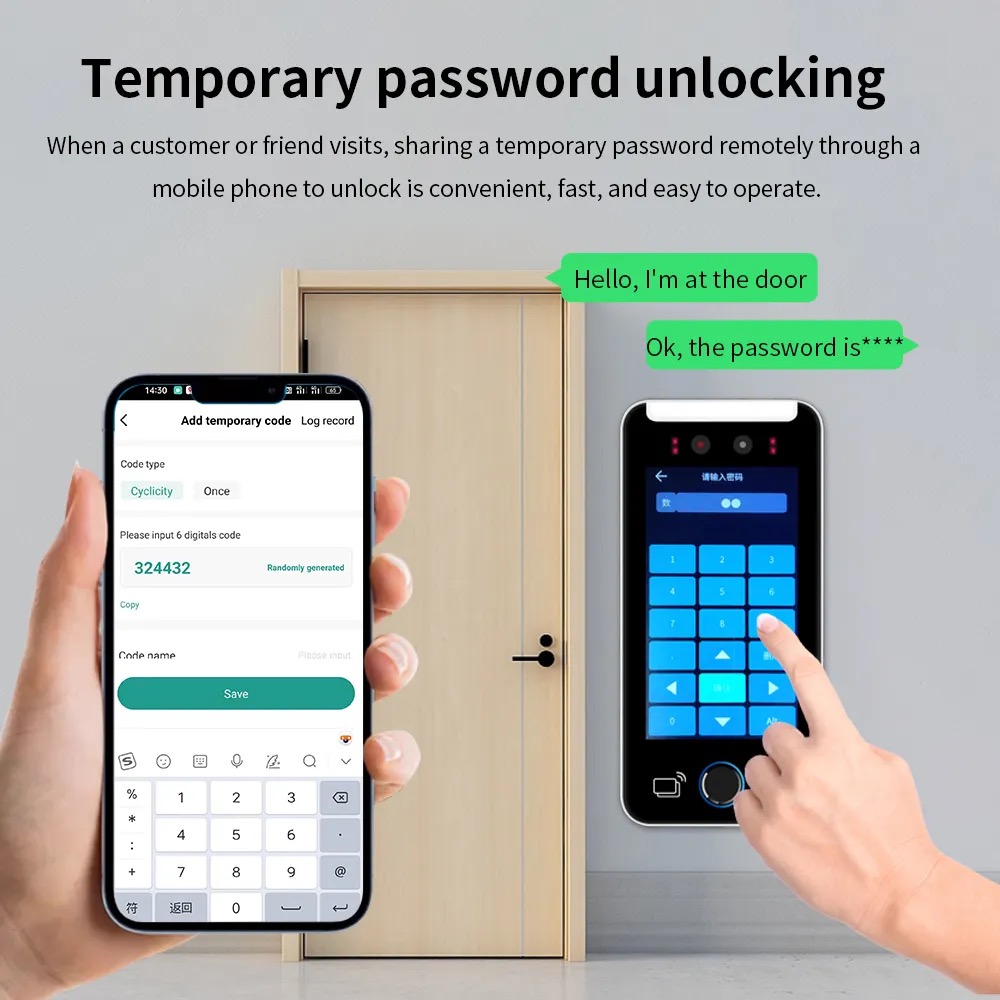
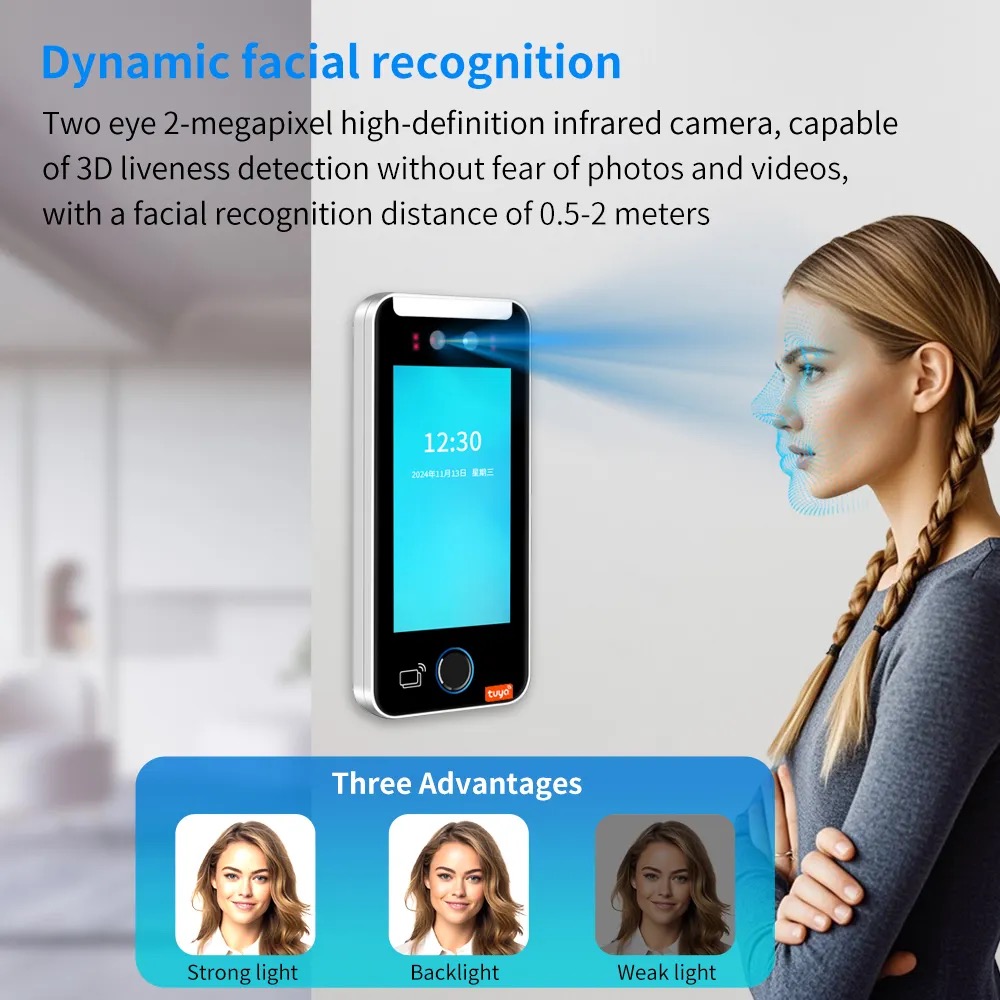
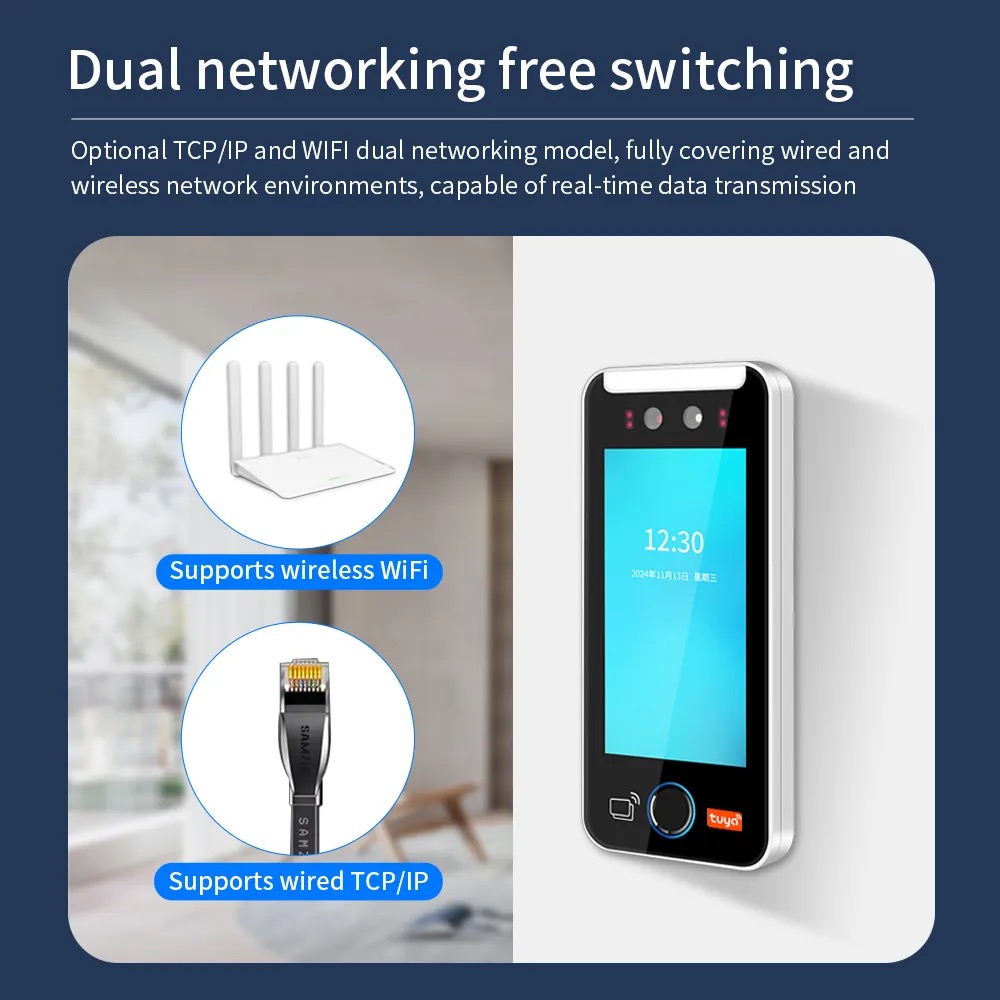
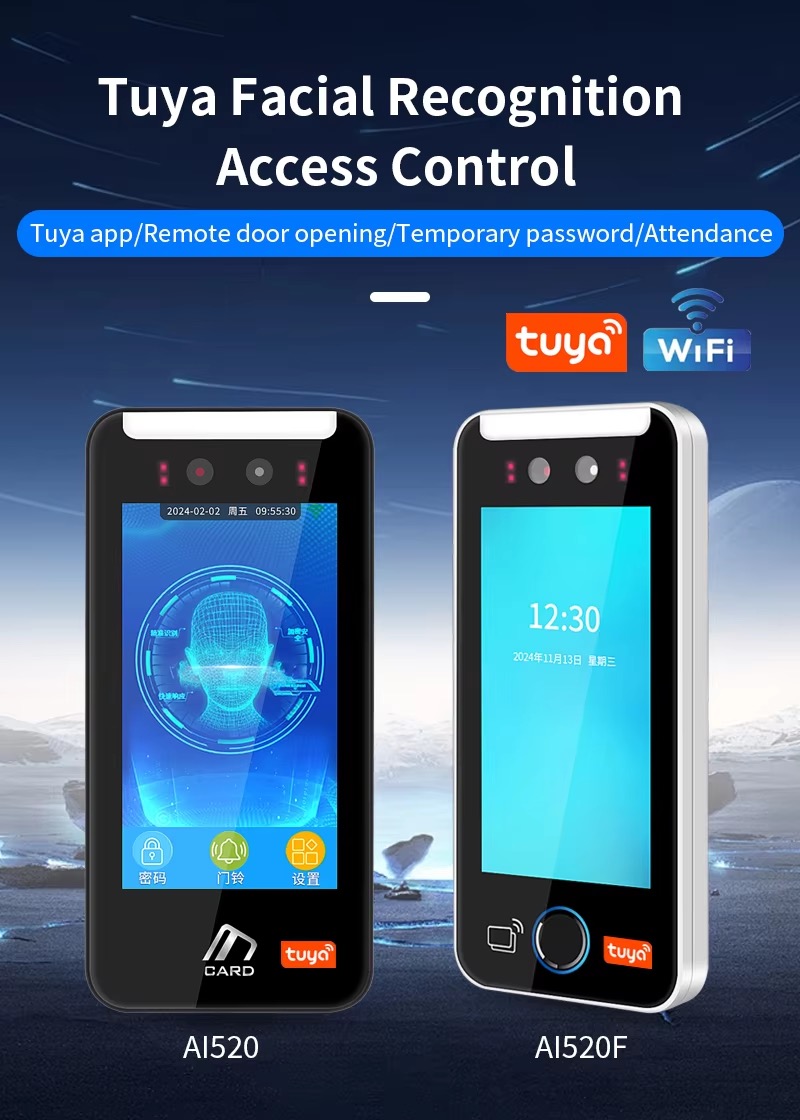
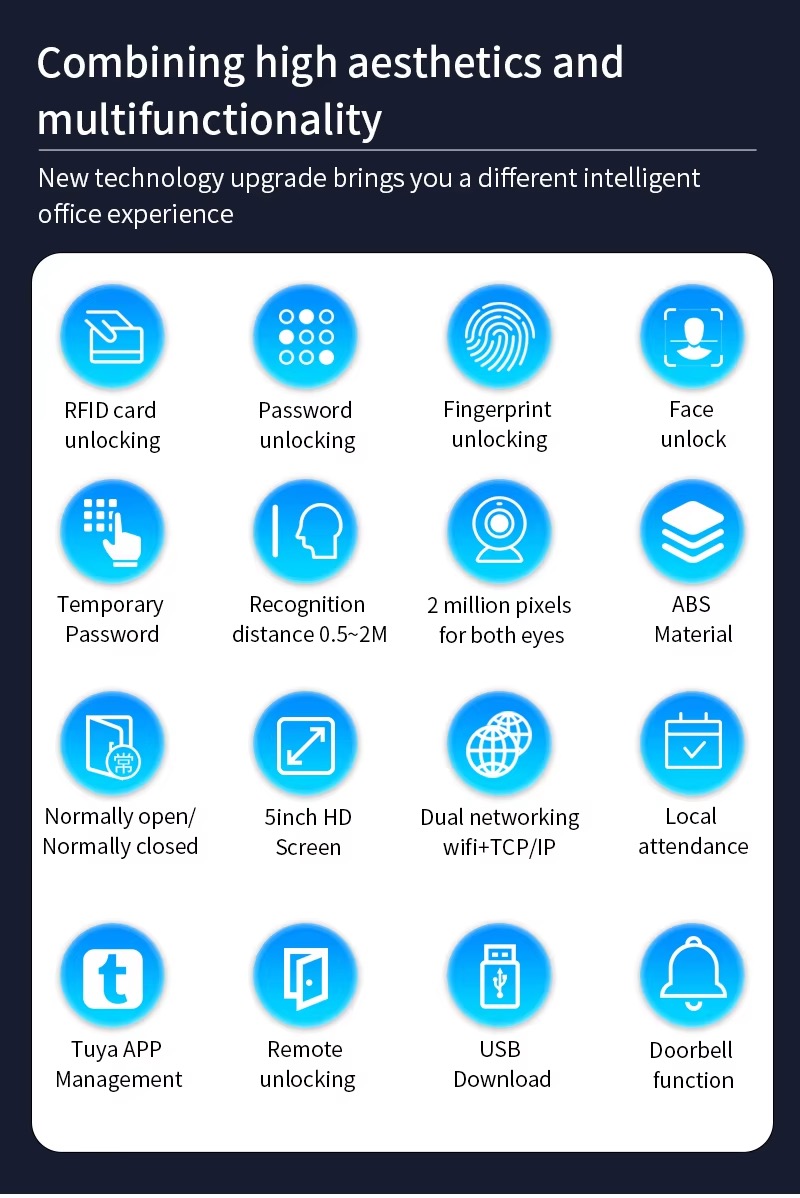
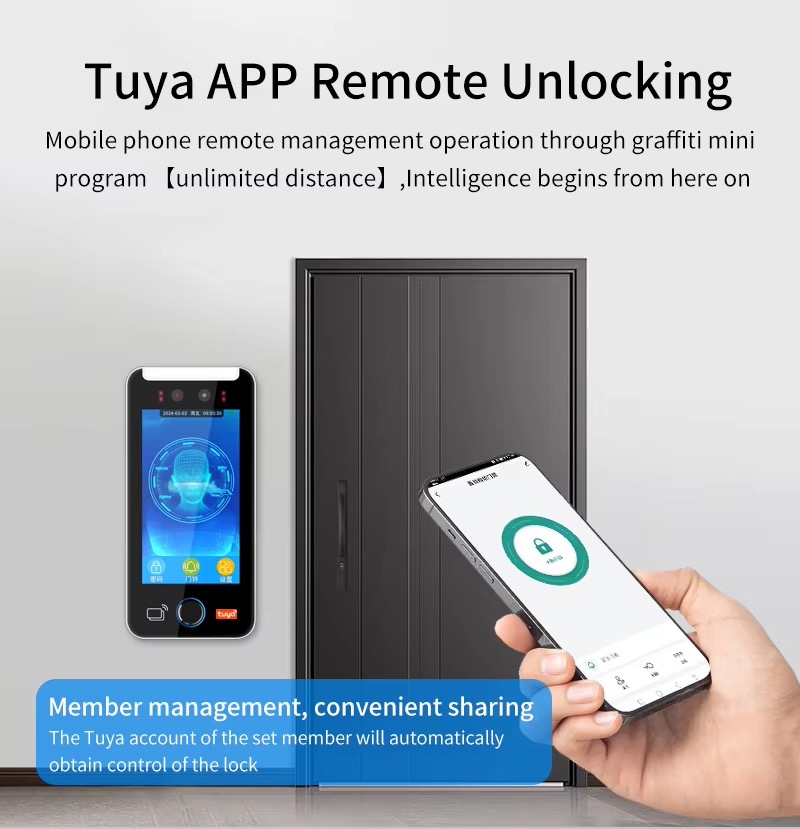
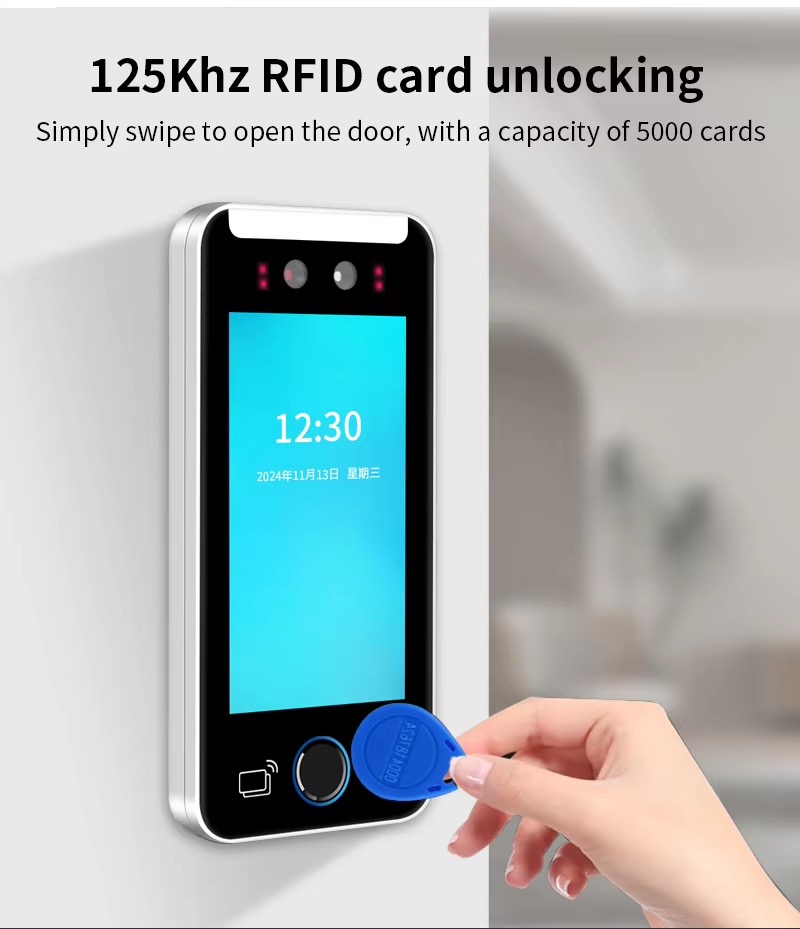
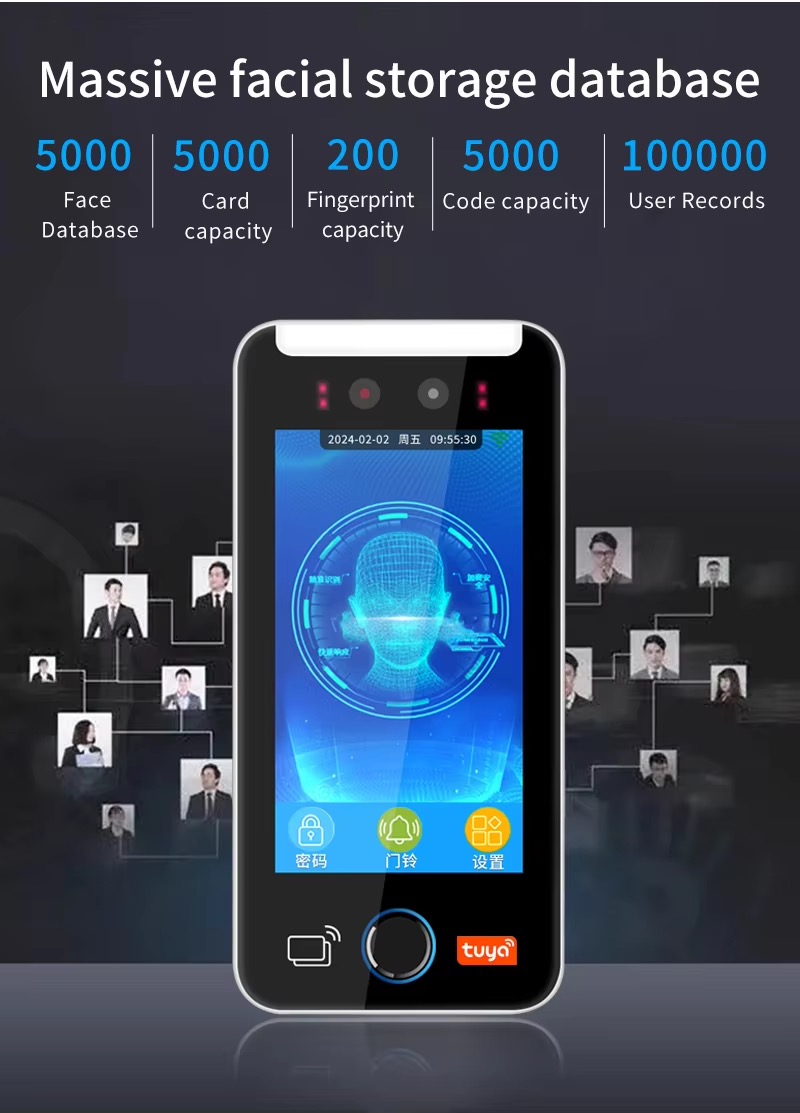
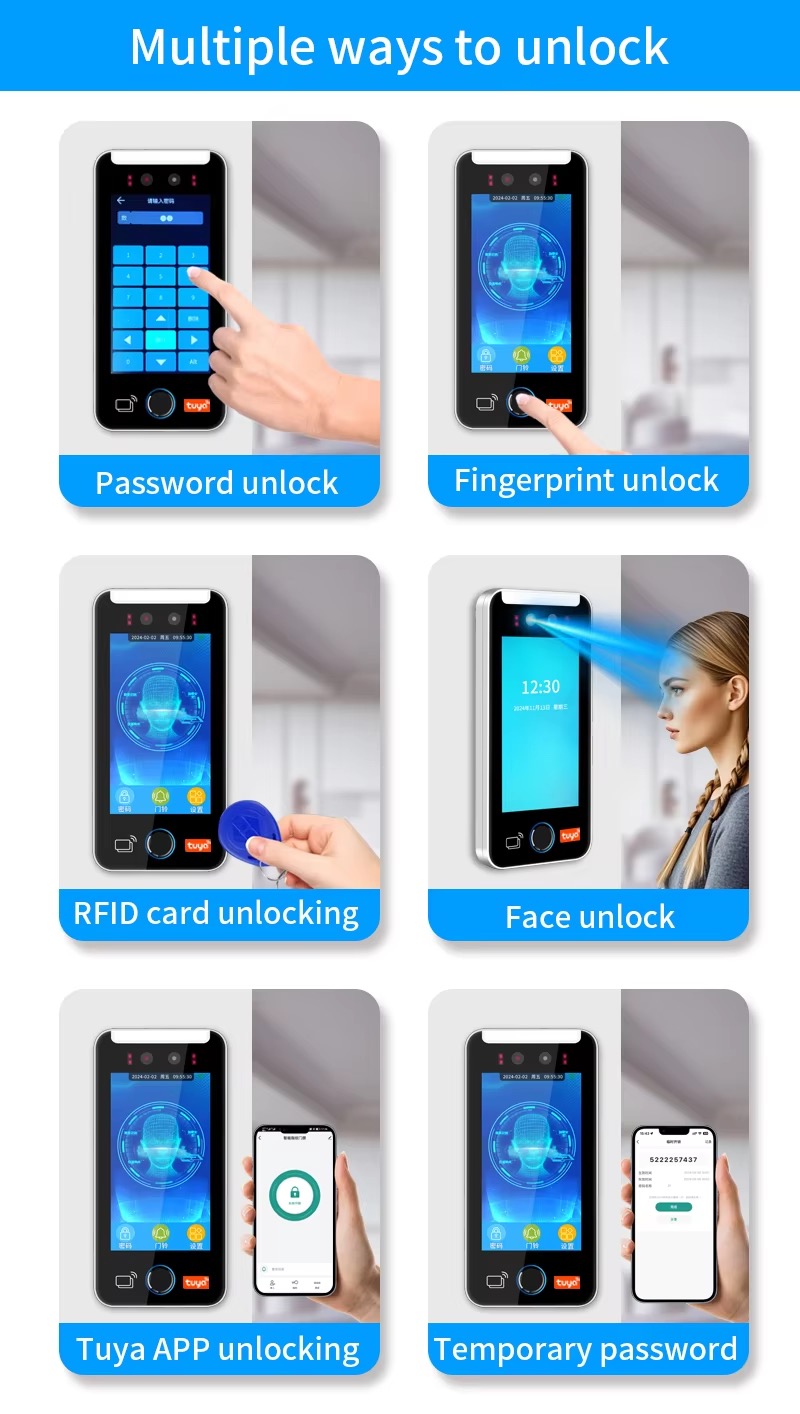
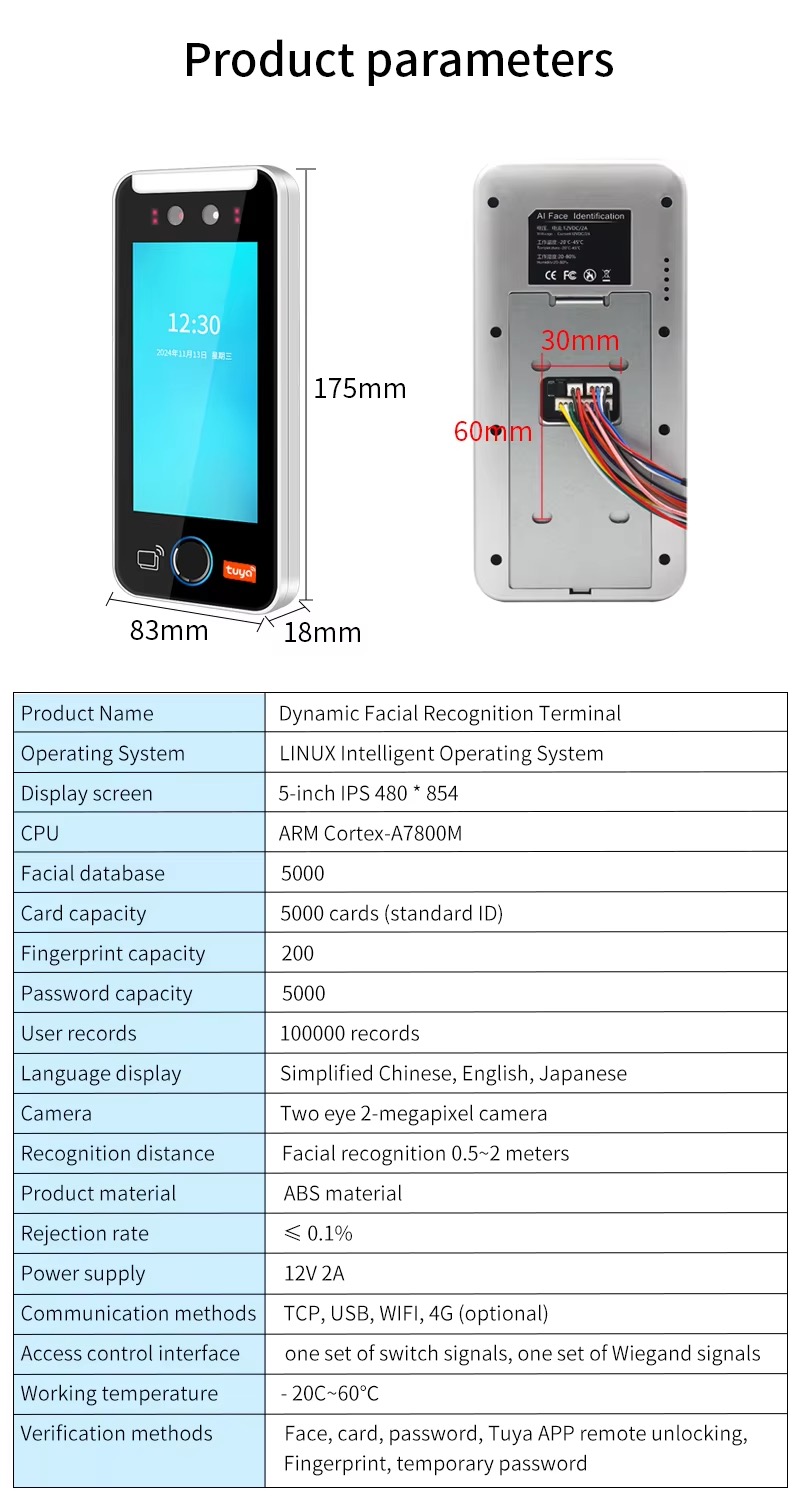
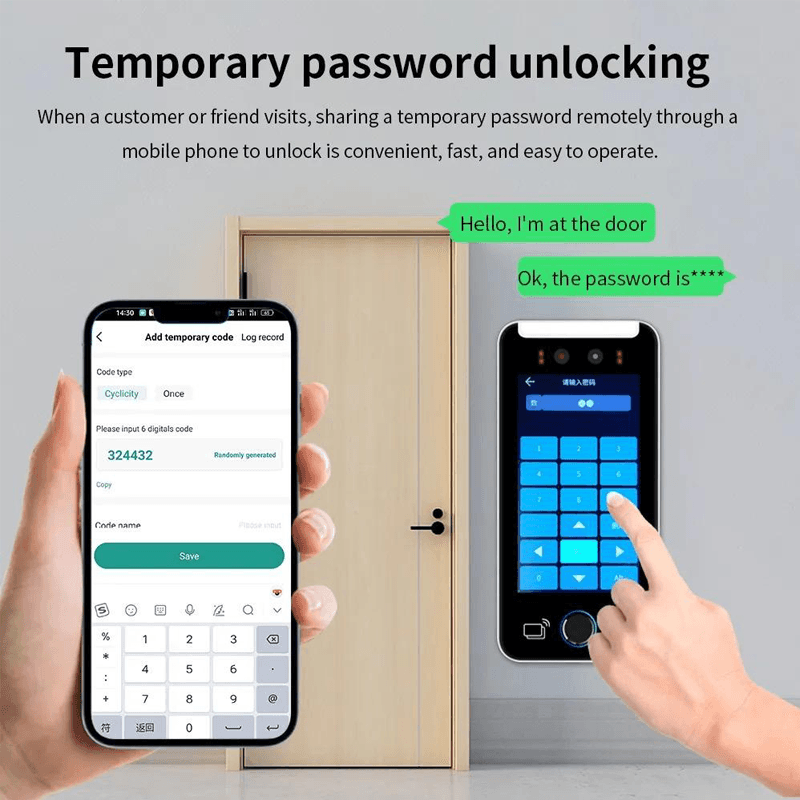
Features
1. Free cloud access, free We-Chat app mini programs, and free LAN software
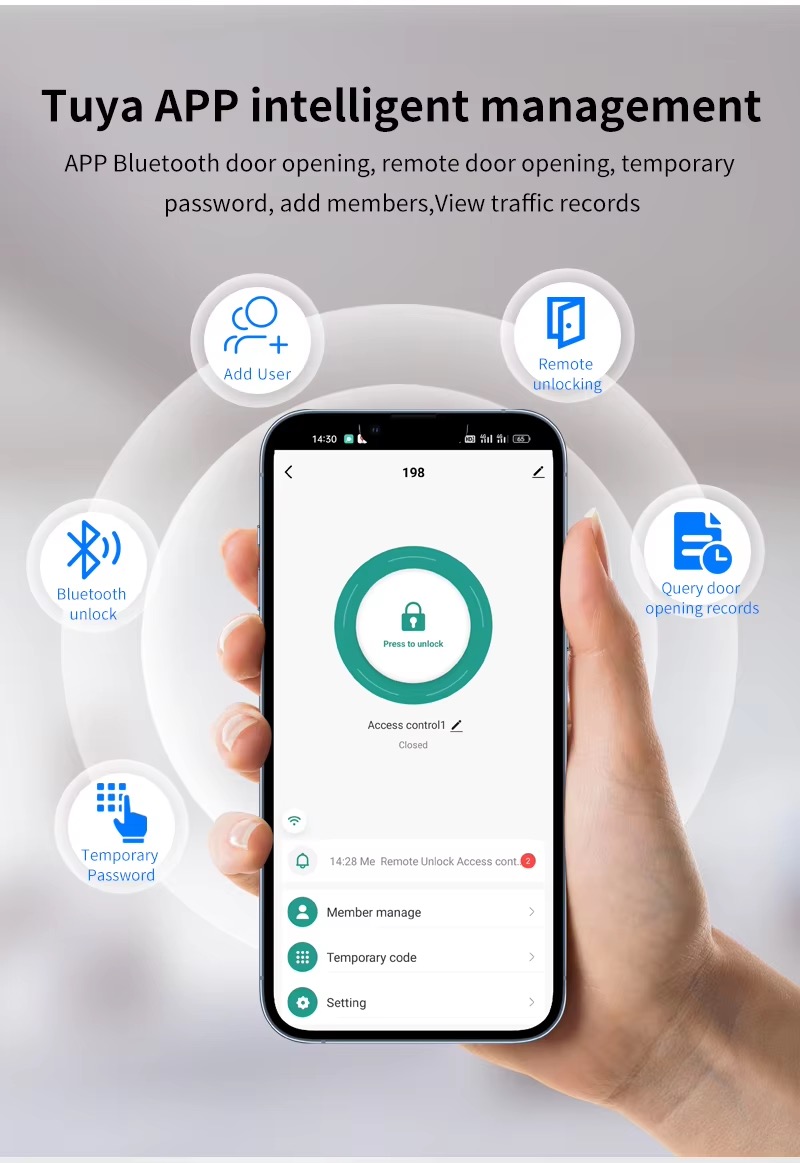
2. One mobile phone can manage devices, including adding and deleting personnel, inviting visitors, authorizing multi device
management, remote door opening, QR code door opening, and temporary password door opening
3.RJ45 Internet port and WiFi access, suitable for multi scenario needs
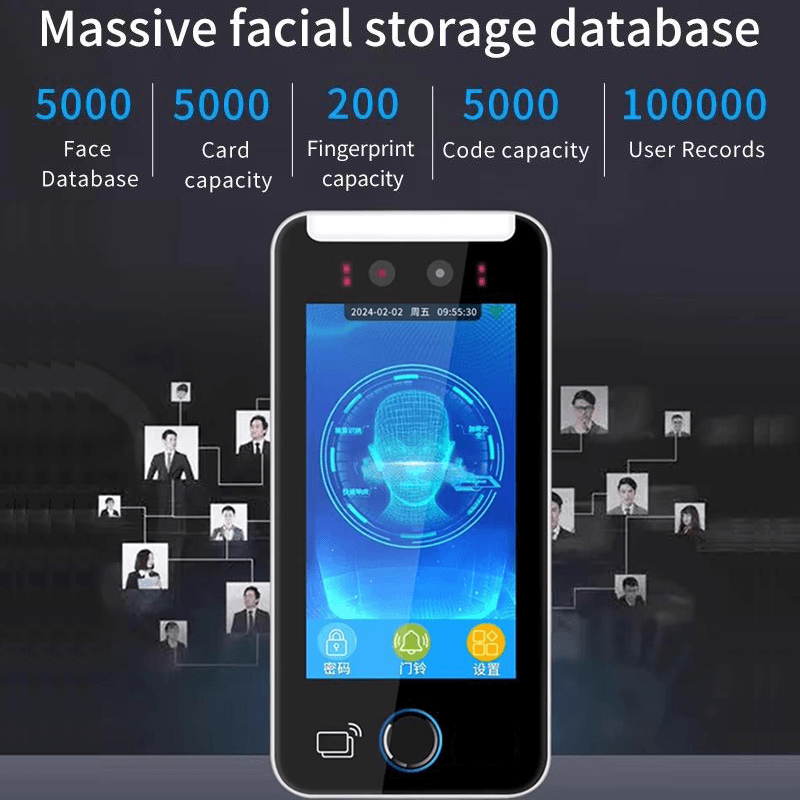
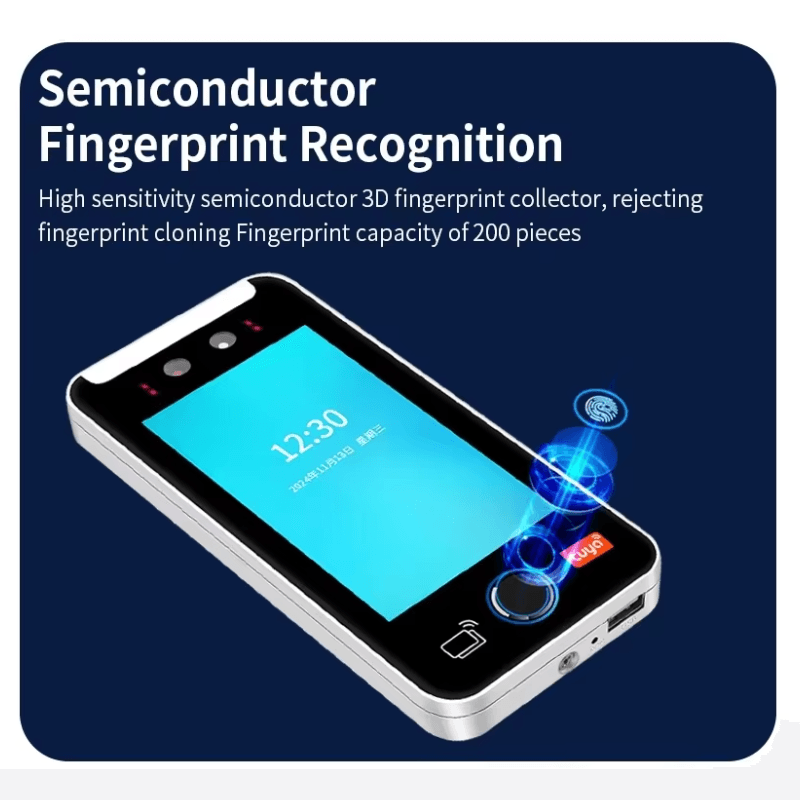
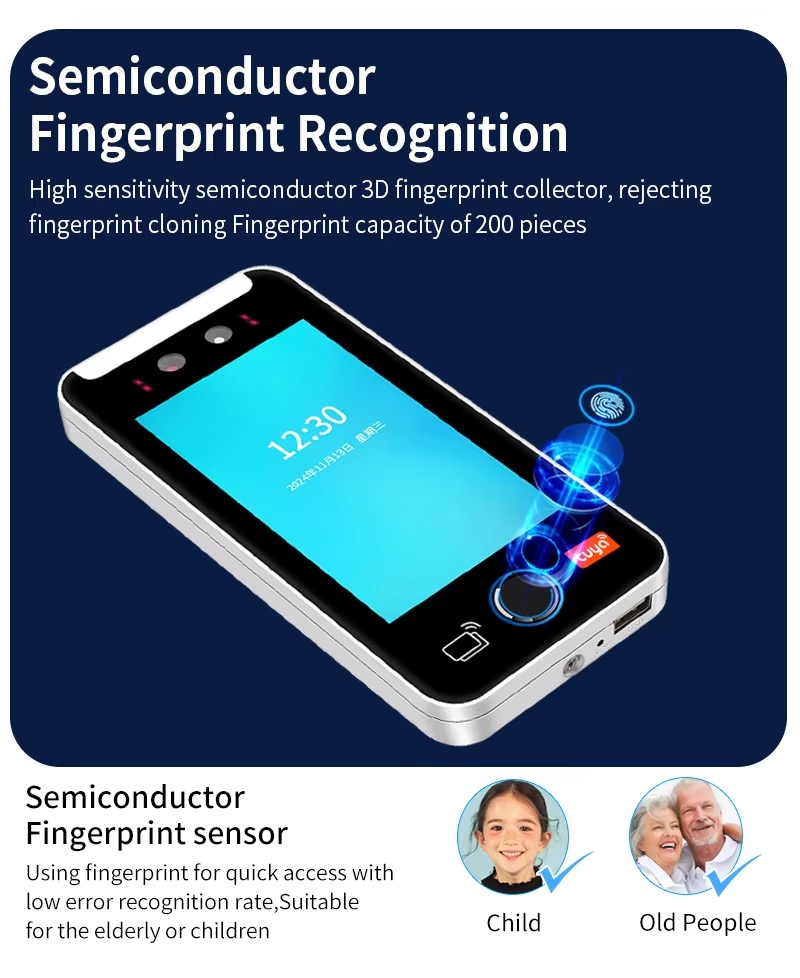
4. Customization:According to demand, fingerprint capacity can be freely selected
5.5-inch high-definition Touch display screen, Beautiful like mirror
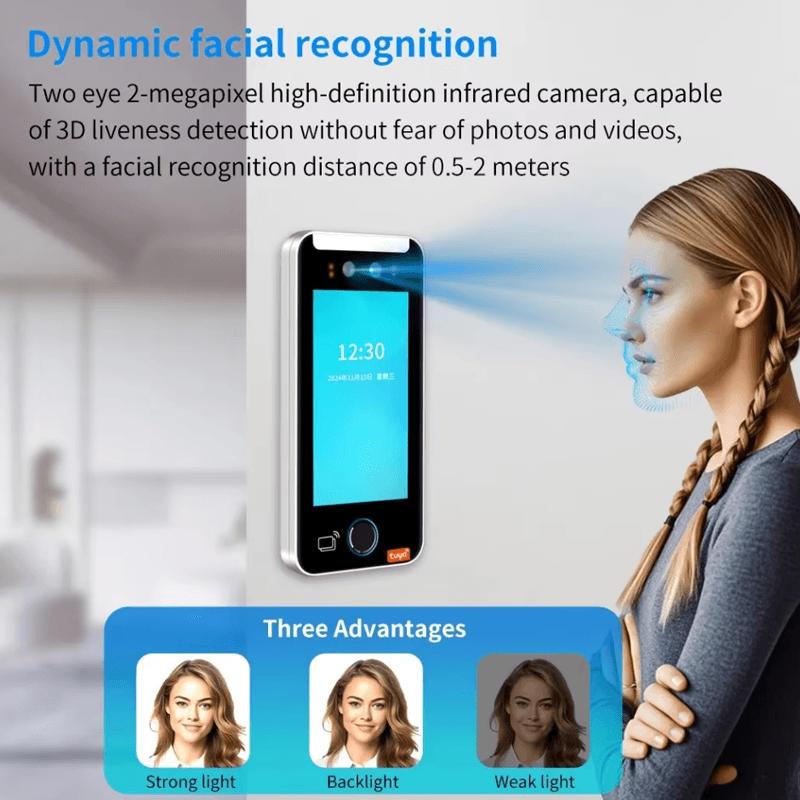
6.wide-dynamic binocular camera, suitable for outdoor scenes
7. Built in attendance allows for local editing of shifts and can be set with timed ringing
8. External fire alarm function
9. Multiple personnel unlocking combination verification is required to open the door
10. Wiegand input/output function
11. Multiple mixed verification modes can be set
12. Admin card Master card authorization function
13. USB flash drive can upload and download personnel record data, and replace screensaver
14. Mask detection function
15. Setting of regular access control time periods and visitor access time periods
16. Stranger records can be saved and set to unlock by strangers
17. It can be set that the device will sound an alarm after reaching the number of misoperations
18. Compatible with built-in doorbells and external wired doorbells
19. Multiple languages to choose from(If you need customized language, please contact the store customer service)
20. Customizable RS485, 4G communication, Bluetooth communication
21. Tuya App Management
22. Support hardware direct connection platform docking, using MQTT and HTTP protocols
23. Support API protocol integration, which is the way of cloud to cloud integration
24. Source R&D manufacturer, supporting application docking development
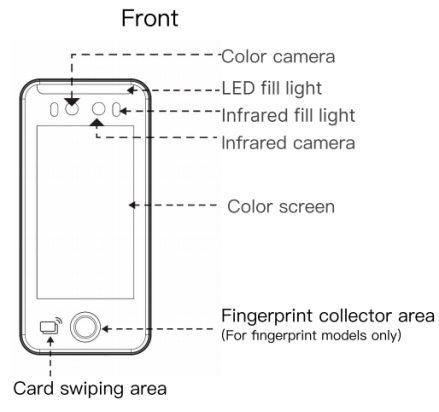
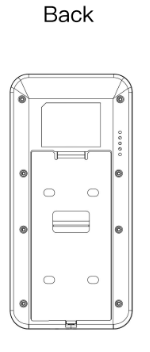
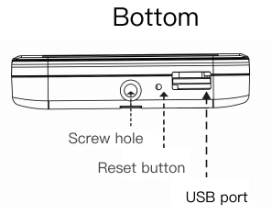
Appearance Introduction
Installation Methods
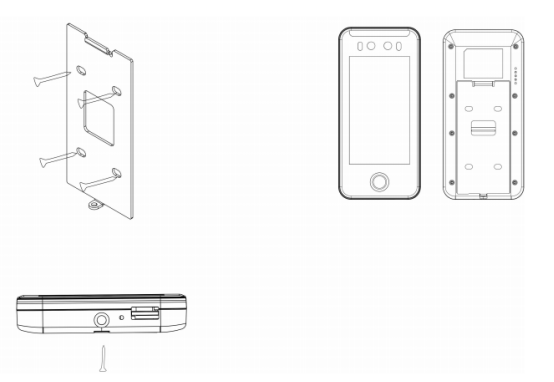
1)The installation height should be selected as the most suitable 130cm based on the actual.
situation of the clock-in personnel.
2)After installation, remove the hanging board and stick it on the wall. Select the correct.
installation position and make a mark.
3)Drill holes according to the marked positions.
4) Fix the rear hanging board to the wall.
5)Install the equipment on the rear hanging board and secure it, then plug in the power supply.
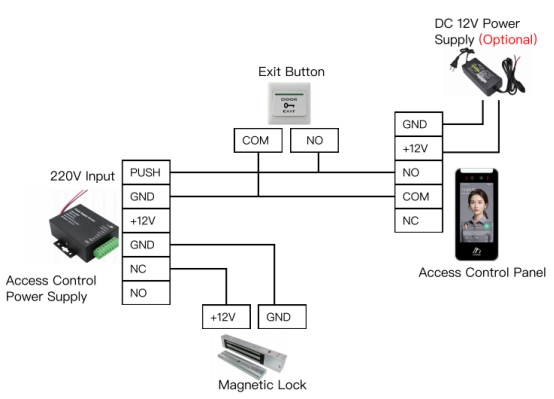
Wiring Diagram with Access Control Power Supply
Management Platform
The E8a is a comprehensive facial recognition access terminal compatible with platforms such as the Smart Safe Community Management Platform, Smart Labor Real-name System Platform, and FaceOne Office Park Application Platform. For details, please consult technical support.
The management platform provides standard APIs for data upload to third-party platforms.
External Interfaces
The device provides open API interfaces for integration with third-party platforms. If standard APIs do not meet requirements, customized interface development is available upon consultation with technical personnel.
Big Data Platform
Data can be stored locally or uploaded to a cloud platform. A big data platform is supported.
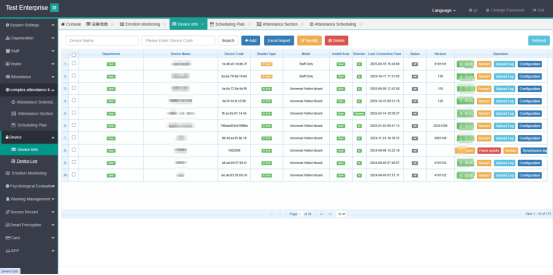
Enterprise Attendance: Supports attendance settings, work hour configuration, attendance records, shift scheduling, etc.
Visitor Appointment: Supports visitor appointment via WeChat mini-program, backend review, and entry after ID verification. Entry time windows or one-time access permissions can be set.